
This will be useful if:
You are an Instructor User on the Licence Help platform.
You are trying to:
Complete your Verification Process by submitting the required documents.
Overview:
Verification is one of the most important steps for all Licence Help instructors. It ensures that every instructor on the platform is qualified, trustworthy, and meets all legal and safety requirements.
To get verified, you must upload or send your required documents. These typically include your driver’s licence, working with children check (if applicable), and other identity verification documents.
You can upload your documents directly through your Personal Profile, or if you prefer, you can email them to our support team.
Step-by-step — Manage Your Verification
Step 1 — Log in to your Instructor Account
Go to the Licence Help website.
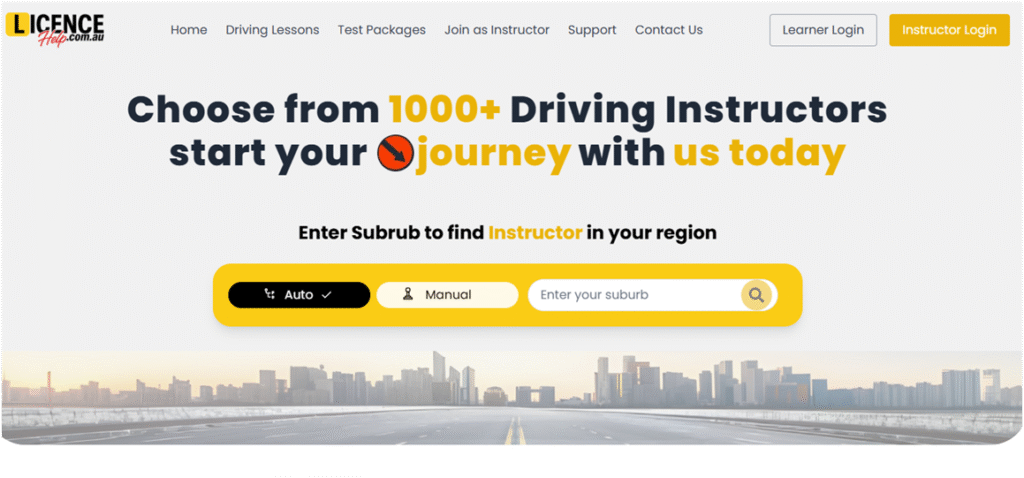
Click Login and select Instructor Login.
Enter your registered email and password.
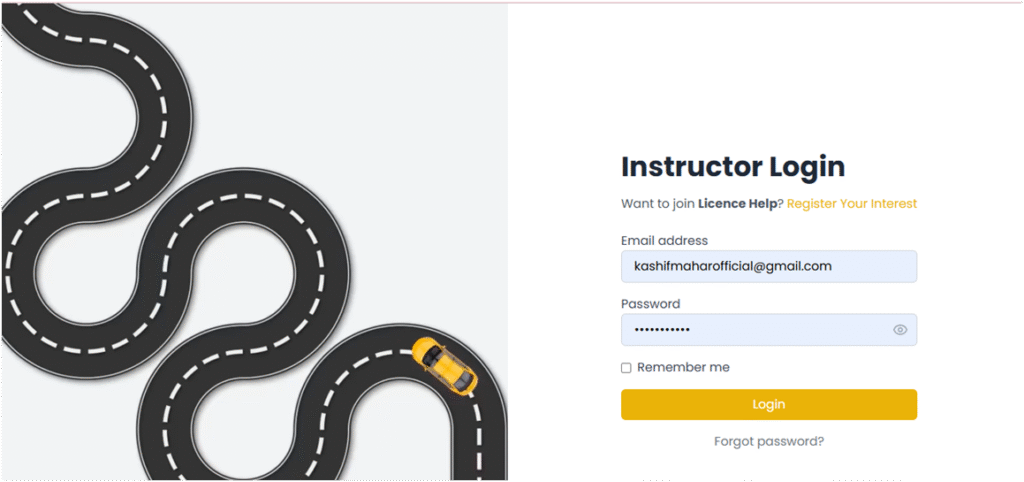
Step 2 — Open Your Personal Profile
From your Dashboard, click the Menu icon (top-right corner).
Select Vehicle from the dropdown.
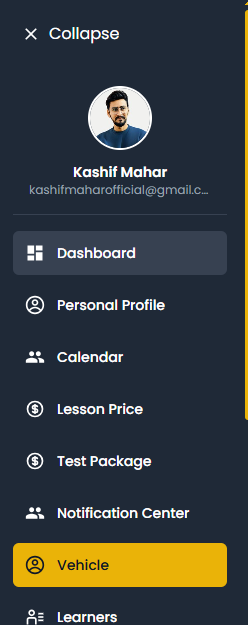
Edit details
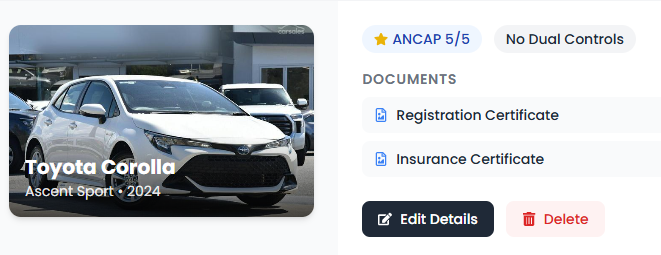
Select and Upload Your Verification Documents
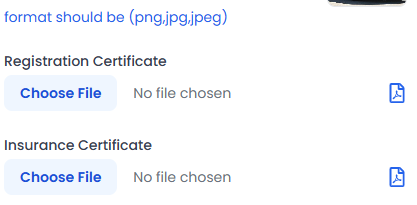
Click Upload Document.
Select the document type (e.g., Driver’s Licence, Working with Children Check, etc.).
Choose your file and upload it.
When you updated your documents
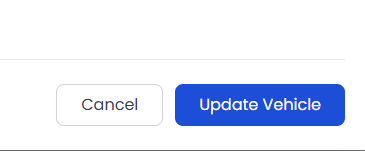
Click Save Changes once all documents are uploaded.
Click Save Changes once all documents are uploaded.
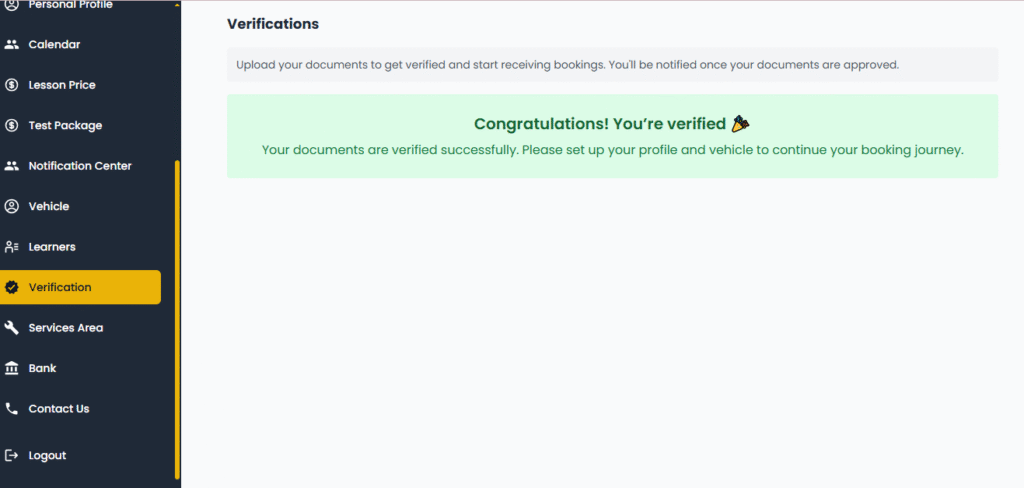
Once you submit your documents or send Via Email
Then your Verifications documents are Verified
If you experience any issues uploading documents, you can also send them via email to the Licence Help Support Team.
Make sure to include your full name and registered email address in your email for quick verification.