
This will be useful for:
Instructors who want to view, manage, and communicate with their enrolled learners easily through the Licence Help dashboard.
Overview:
The Learners section allows you to see all the students who have booked lessons or test packages with you. You can check their booking details, lesson history, and contact information for better coordination.
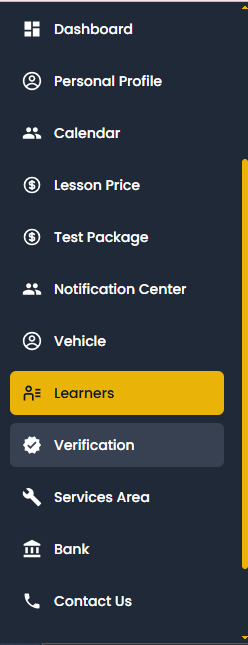
Go to “Learners” from your dashboard menu.
You’ll see a list of all learners who have booked lessons with you.
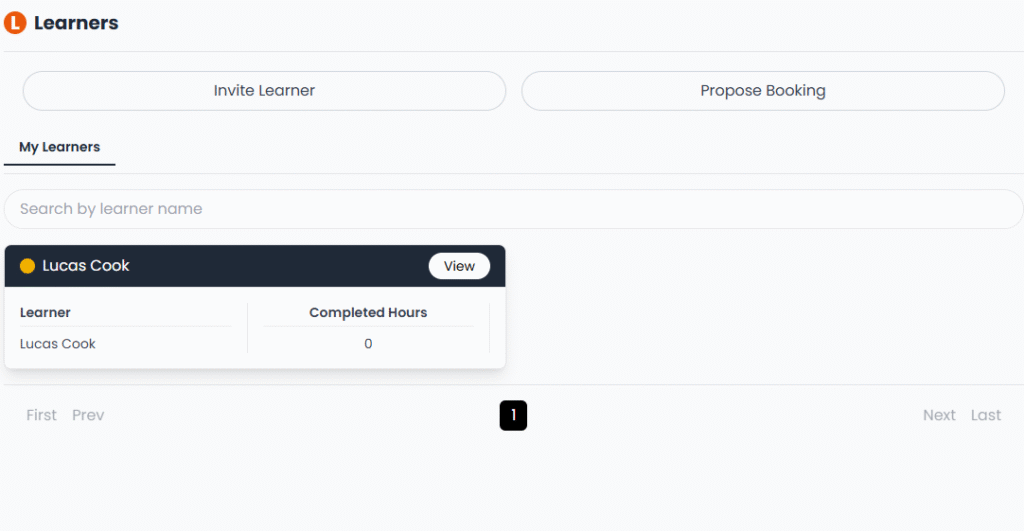
Click on a learner’s name to view their profile, lesson schedule, and progress.
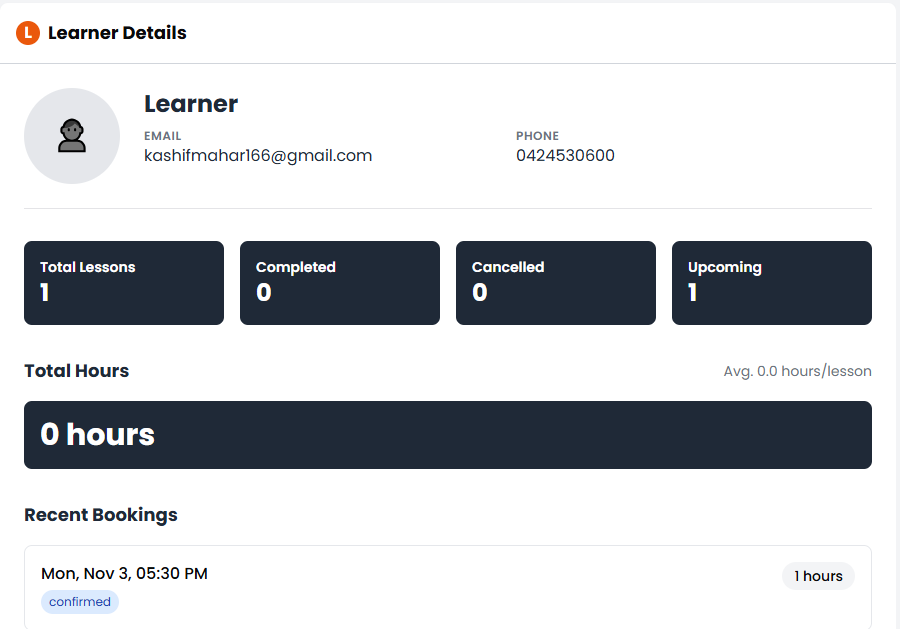
Keep track of each learner’s completed lessons and upcoming bookings for smooth management.
Note:
Staying in touch with your learners through the platform helps build trust and ensures better communication.