
After completing your personal profile, the next step is to set your lesson price.
You can easily set or update your lesson rates from your dashboard.
This helps learners see what you charge per lesson and allows you to manage your earnings.
Follow these steps:
- Go to your Dashboard.
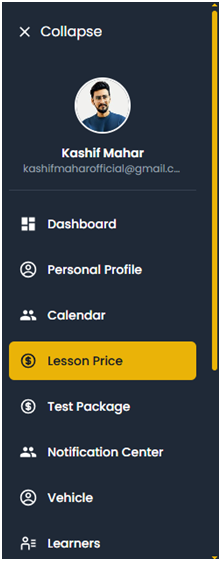
Once logged in, select the “Lesson Price” option from your menu.
- Enter your lesson price.
You can start with a standard rate, for example $70 per lesson, or set your own custom price — up to $150 per lesson depending on your experience and location.
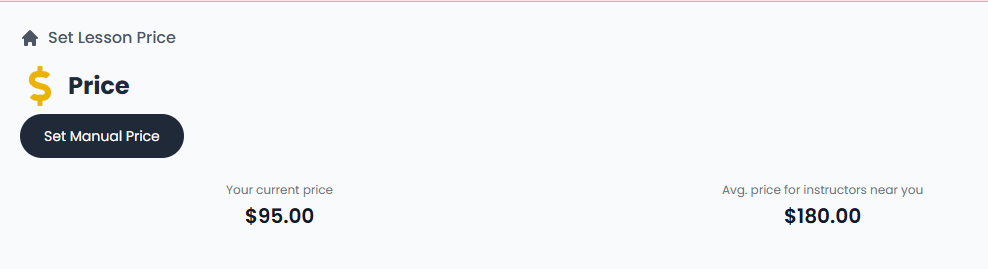
2. Click the Set Manual Price
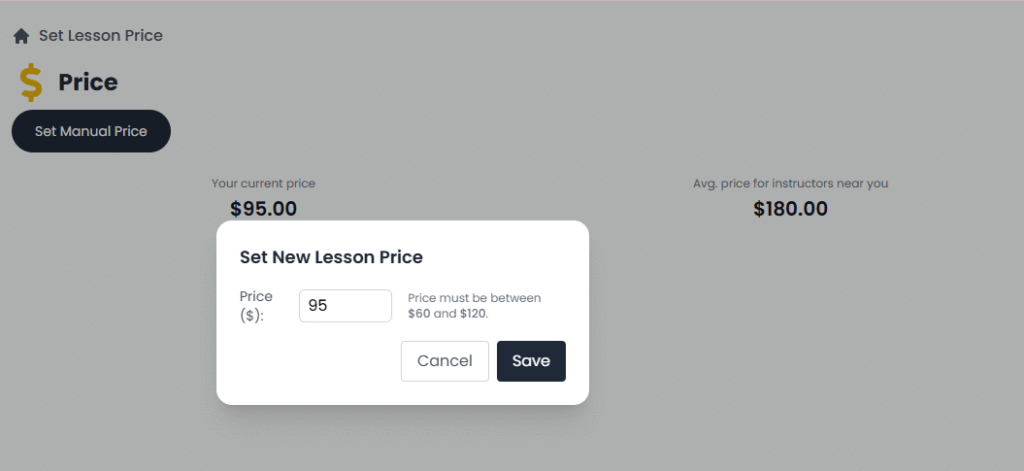
Than set New Lesson Price whether you choose 95$
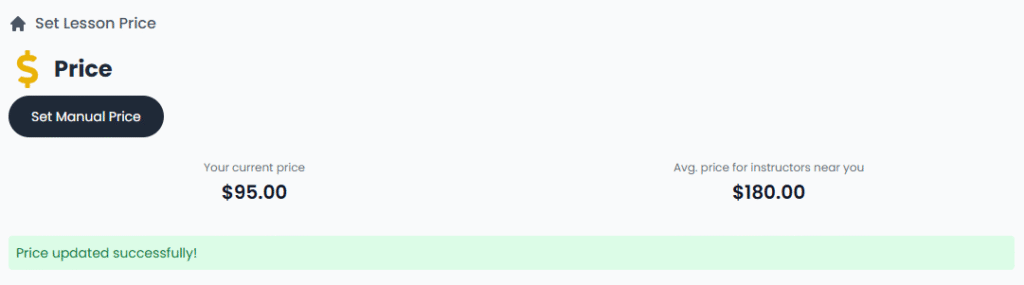
Now my New Lesson Price successfully Updated
- Save your changes.
After entering your price, click Save to update your instructor profile.
Tip: Setting a competitive price can help attract more learners, while higher prices may suit experienced instructors with strong reviews.