This will be helpful if:
You are a learner using the Licence Help booking platform.
You want to:
Delete your stored payment method.
Overview
Licence Help supports multiple payment options, and for ease of use, your default payment method is stored for future transactions.
Whenever you make a booking, you’ll always see the total payable amount and can select your preferred payment method before confirming the purchase.
If at any point you’d like to remove your saved payment details, you can do so by following these quick steps:
How to remove saved payment details
Step 1.
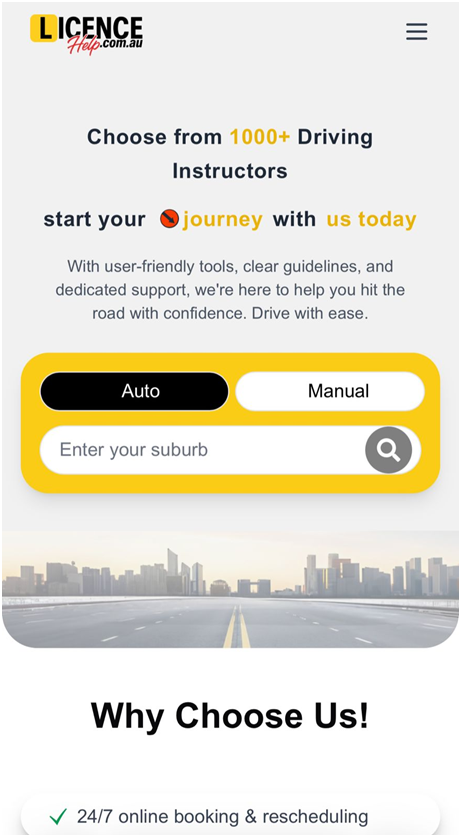
Log in to your learner account.
Step 2.
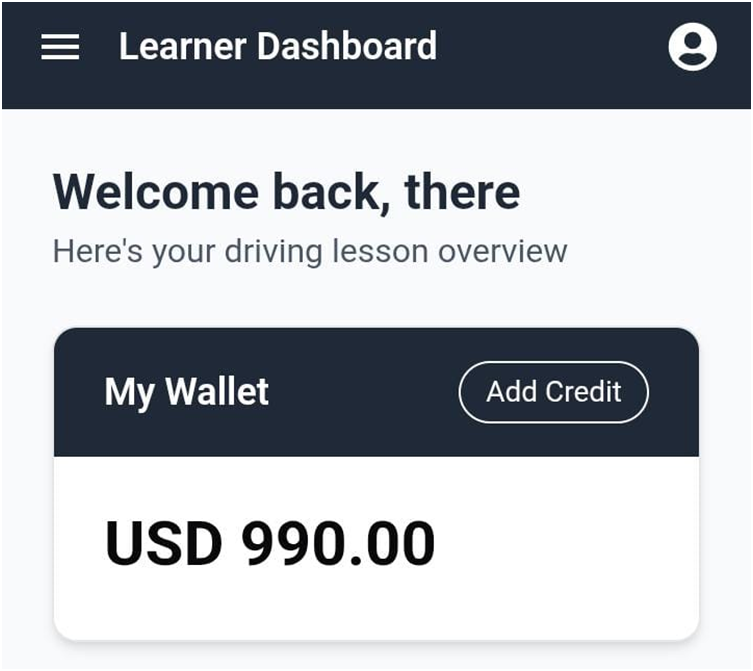
From your Dashboard, click on the menu in the top right corner of the screen.
Step 3.
Select Wallet.
Step 4.
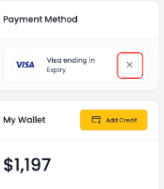
The Wallet page will open. Under Payment Method, you’ll see your stored details. Click the X to proceed with removal.
Step 5.
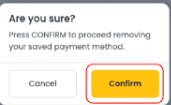
A confirmation pop-up will appear. Select Confirm to delete your saved payment method.
Your payment method will now be successfully removed.