
This will be useful if:
- You are a Learner User on the Licence Help platform.
You are trying to:
Rate your experience with your driving instructor.
Overview:
As a Licence Help learner, you can leave a rating for any instructor you’ve completed at least one driving lesson with.
When submitting your rating, make sure it reflects your genuine experience with the instructor and aims to help future learners make informed choices. For more details, you can review our Rating & Review Policy.
How to rate your driving instructor
Step 1.
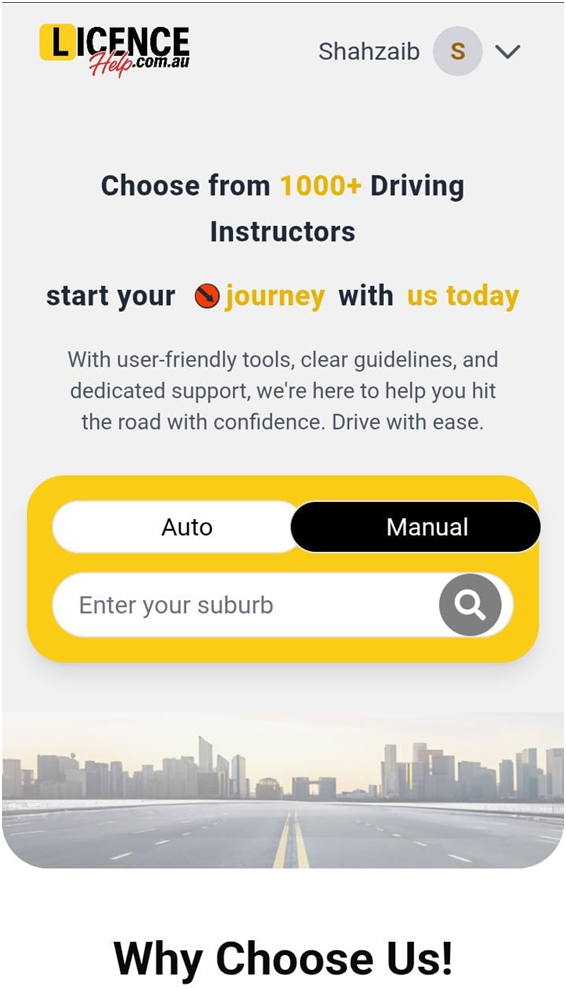
Sign in to your Licence Help learner account.
Step 2.
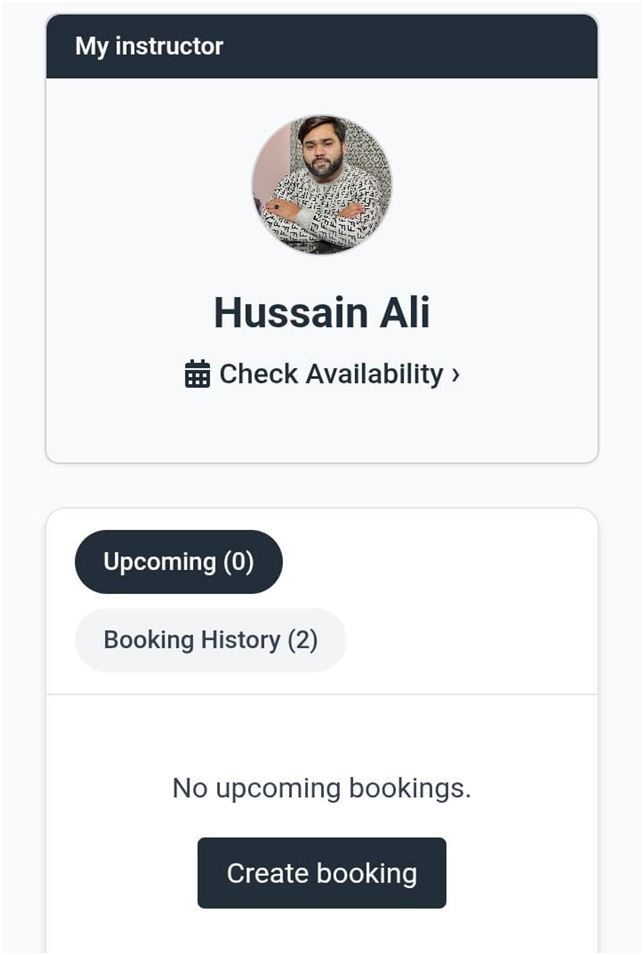
Look for a notification on your dashboard.
Step 3.
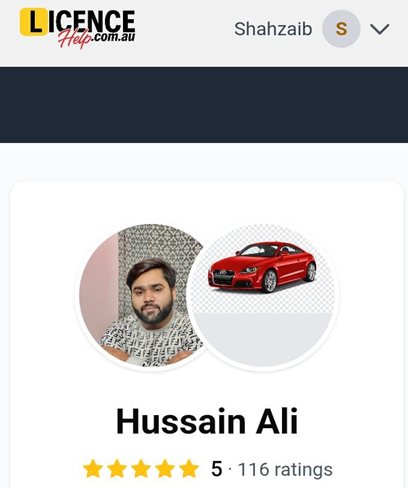
Select “Leave a rating” to begin.
Step 4.
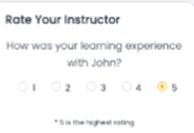
Give your rating for the learning experience and add any comments or feedback.
Step 5.
Click Submit to save your rating.
Why you may not see the “Rate Driving Instructor” button
If the option to rate your driving instructor is not visible, it could be due to one of the following reasons:
- You have not yet completed a driving lesson with that instructor.
- You have already submitted a rating for that instructor.
If you’ve already provided a rating and want to update it, please submit a support request. Be sure to include your revised rating and any new comments, and our team will update it for you.
Please note: Any reviews containing explicit, discriminatory, harmful, fraudulent, or illegal content will be removed.