This will be useful if:
- You are an Instructor User on the Licence Help platform.
You are trying to:
- Manage your Calendar: set working hours, create or edit bookings and personal events, and keep your availability up to date.
Overview
Your Licence Help Calendar controls when learners can book you. Set clear working hours (for example 9:00 AM – 5:00 PM), then create or block slots as needed. You can create booking events for students (so the slot is taken) or create personal/manual events (so the slot is blocked but not a learner booking). Below are step-by-step instructions to set hours, create events by click-and-drag, name the event (e.g. “Booking: Kashif”), choose the event type (Booking or Personal), and save — plus how to move, edit or delete events.
Open your Calendar
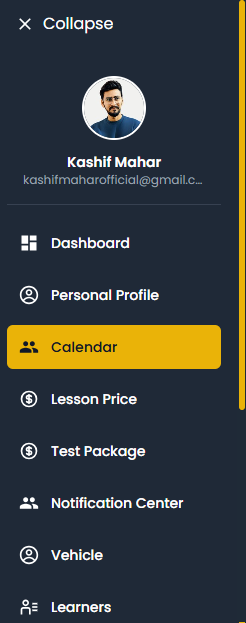
Set your working hours
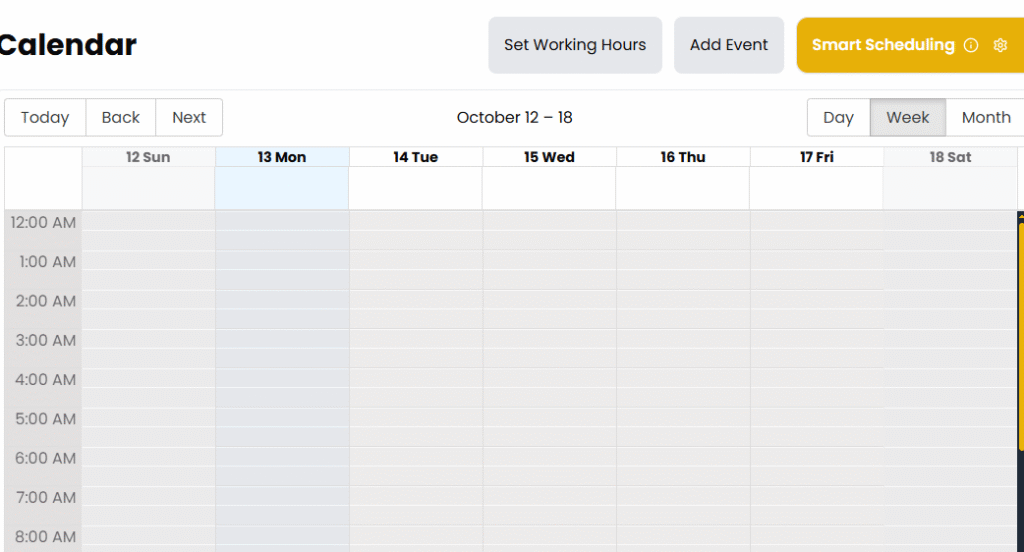
Here is your working hours
- Choose the days you work (e.g. Monday–Friday).
- Set the time range for each day (example: 9:00 AM to 5:00 PM).
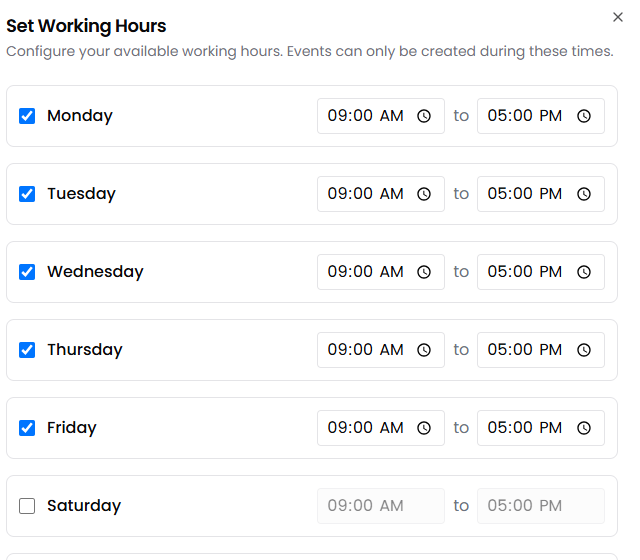
Click Save (or Save Changes) to publish your working hours.
Update the start/end times (e.g., change to 10:00 AM – 5:00 PM).
Click Save again. The calendar will update immediately for future bookings
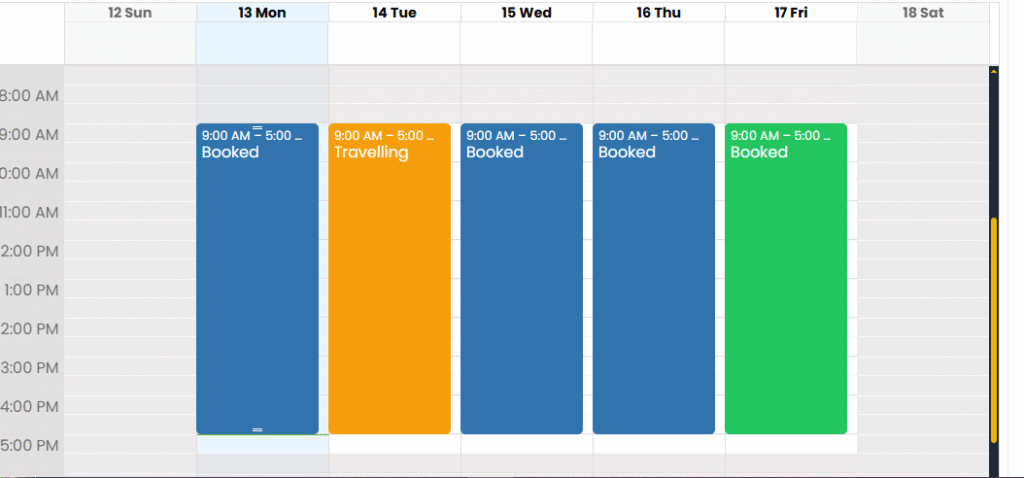
Complete the Create Event popup

Click Add Event
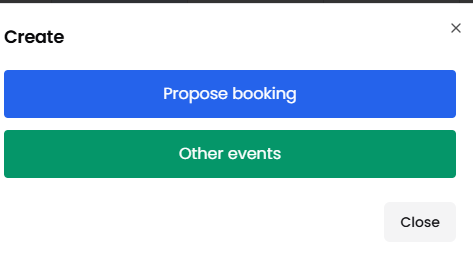
When you click Propose booking
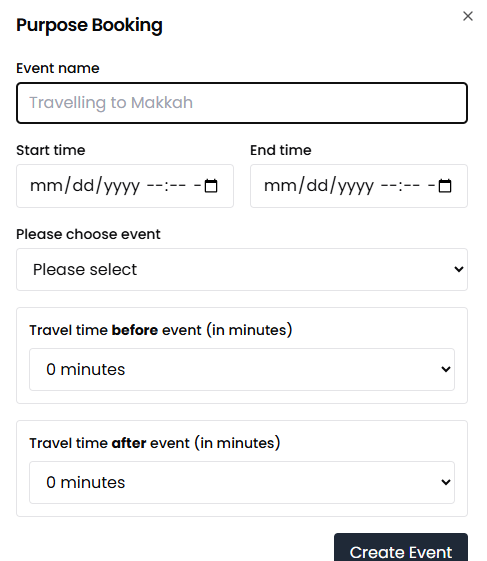
- Event name / Title — e.g., Booking: Kashif (clear naming helps you recognise student bookings).
- Student / Learner — select the learner if you’re creating a student booking, or type their name.
- Event type — choose Booking (for a learner) or Personal / Manual (for your own appointments or blocked time).
- Duration / Hours — confirm start and end time.
- Location / Meeting point — add meeting address if needed.
- Notes — add any extra info for you or the learner.
When you al done your propose booking then click the “Create Event”
- Click Create Event or Save.
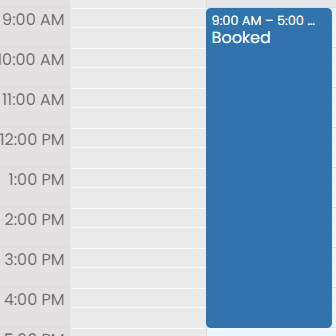
Result: the slot is now shown as booked on your calendar.