
This will be helpful if:
You are a Learner User of the Licence Help platform.
You are trying to:
Access your learner account.
Overview:
Your Licence Help learner account allows you to conveniently:
- Book new lessons
- Cancel or reschedule existing lessons
- View your booking history
- Check your available credits
- Update your preferences (e.g., default address, transmission type)
- Switch instructors
- Leave a rating for your instructor
If you are unable to log in, click here for troubleshooting steps.
Steps to log in to your learner account
Step 1:
Go to our website and click the Menu icon located at the top right corner.
Step 2:
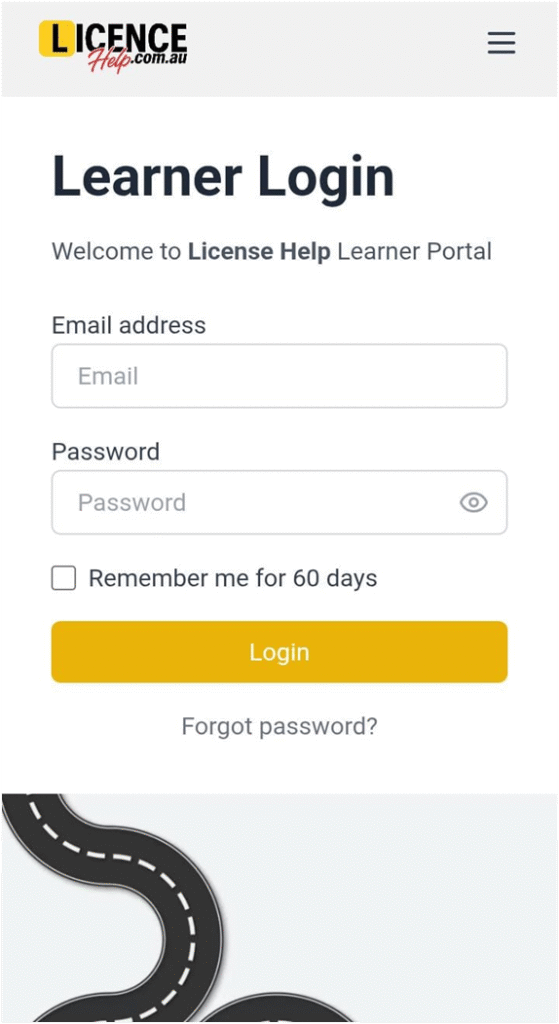
Select Learner Login.
Step 3:
Enter the email address and password associated with your account.
Step 4:
Click Login to access your account.
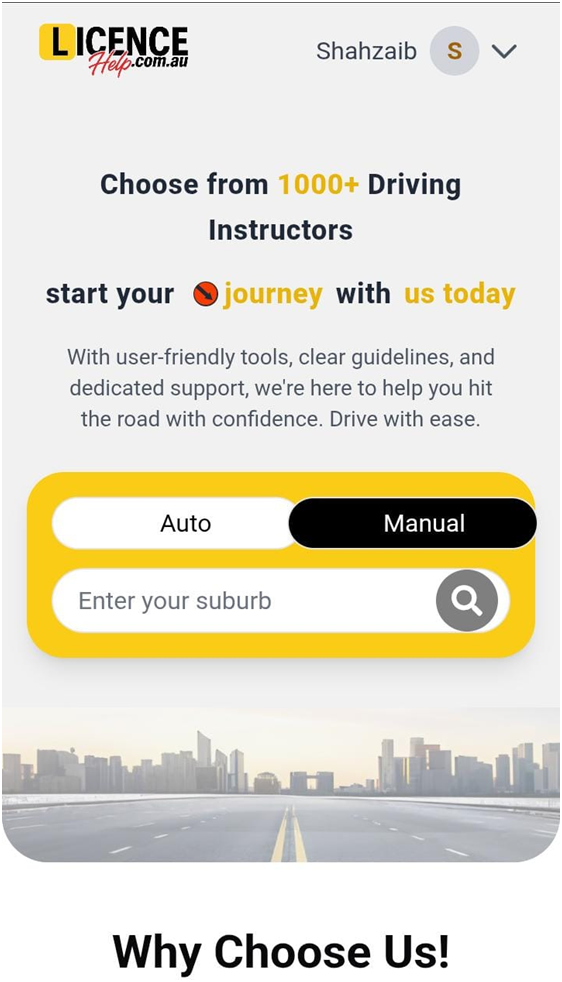
You will be directed to your Dashboard automatically.