
This will be useful if:
You are a learner using the Licence Help booking platform.
You are trying to:
Get in touch with your driving instructor.
Overview:
Licence Help makes it simple to book lessons with your instructor. When you create a booking, you can provide all the details your instructor needs without needing to call or message them directly:
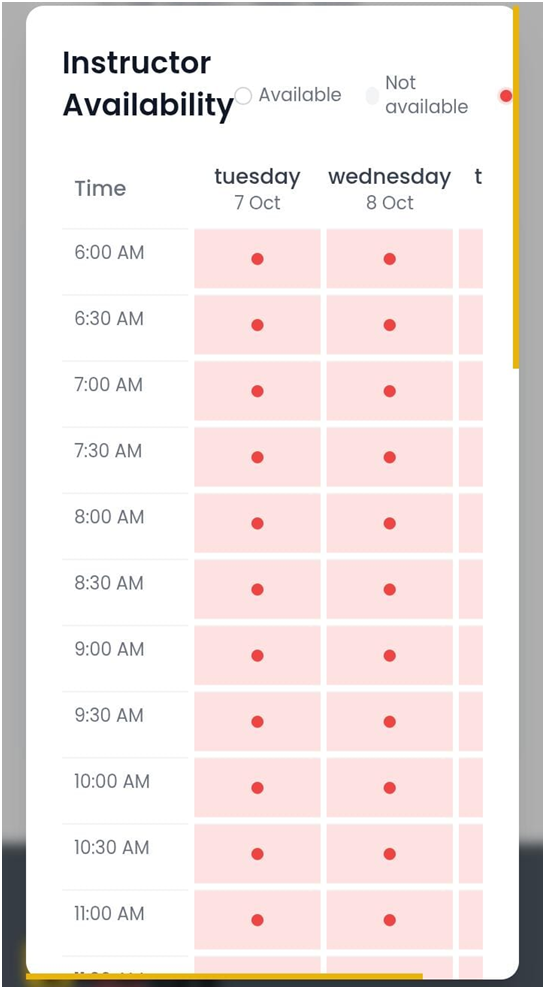
- View their real-time availability and book directly into their schedule.
- Share your progress by completing the learning experience questionnaire when booking.
- Add any special lesson requests (e.g., focus on parallel parking or hill starts) by leaving a note in your booking.
- Manage everything in real time — from booking and rescheduling to cancellations.
However, there are certain situations where contacting your instructor directly is encouraged:
- Cancelling less than 24 hours before a scheduled lesson.
- Sharing specific pick-up instructions on the day of your booking.
Please remember that instructors are often teaching, so they may not always be able to respond immediately.
How to reach your driving instructor
Step 1. Log in to your learner account.
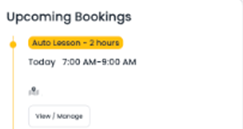
Step 2. On your Dashboard, you’ll see your instructor’s profile photo. Their contact number will be displayed right beside it.
- Step 3. (optional)
- If you’re learning with more than one instructor, you’ll see a tab at the top of your Dashboard. Use this tab to switch between instructors.