
Overview
The Licence Help platform is designed to give you full flexibility. We know that schedules can change, or sometimes a particular instructor may not align with your learning style or availability.
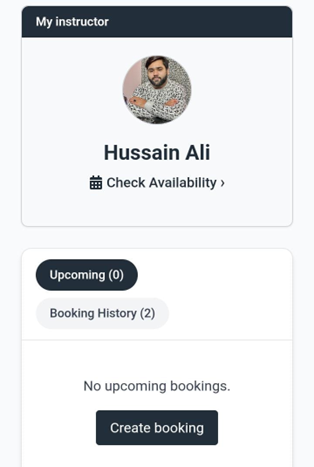
As a Licence Help learner, you can switch instructors online at no extra cost, provided you make the change at least 24 hours before your scheduled lesson starts.
Important: If you already have bookings with your current instructor that you don’t want to keep, you must cancel them first. Please note that cancellations are only free up to 24 hours prior to the lesson start time.
How to change your driving instructor
Step 1.
Log in to your learner account.
Step 2.
From your dashboard, click “Book another instructor.”
Step 3.
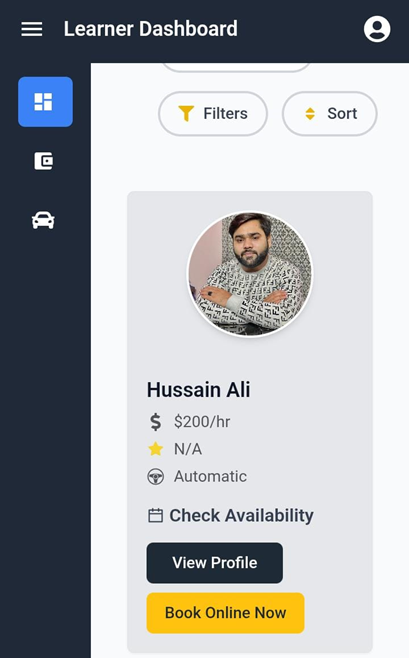
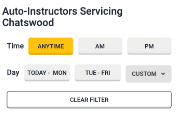
You will see a list of available instructors for your area and preferred transmission. Click “Book Online Now” next to your chosen instructor.
Step 4.
On the ‘Make a Booking’ screen, select either Book Driving Lesson or Book Driving Test Package.
Step 5.
Choose your lesson duration, date, and time.
Step 6.
Enter your pickup location and click Save.
Step 7.
Review your booking details on the ‘Make a Booking’ confirmation screen, then click Confirm Booking/s. Your updated booking will now appear under Upcoming Bookings on your dashboard.