
This will be helpful if:
You are an Instructor using the Licence Help platform.
You are trying to:
Create and manage your driving test packages.
Overview:
Setting up your Test Packages on Licence Help allows you to offer learners customized test sessions at your own rates. You can define the duration, pricing, and area for your test packages easily through your instructor dashboard.
How to Set Your Test Packages
Step 1:
Log in to your Instructor Account and go to your Dashboard.
Step 2:
From the menu, click on “Test Packages.”
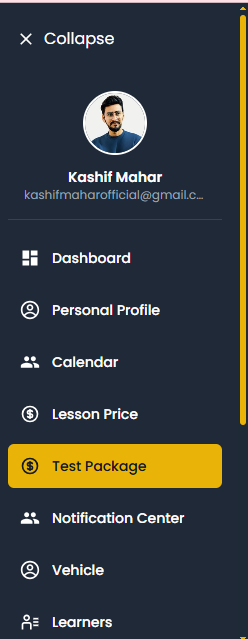
Than set your driving test package here is how to set
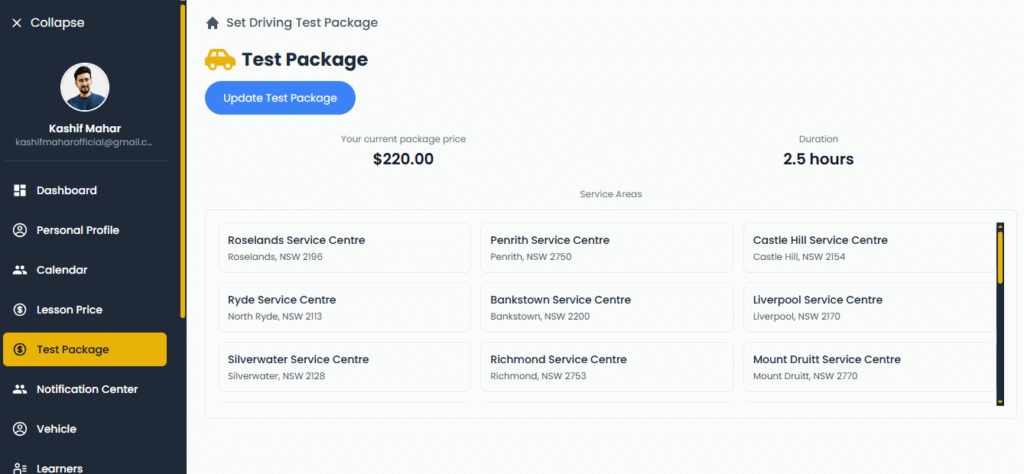
Step 3:
Click the “Create Test Package” button.
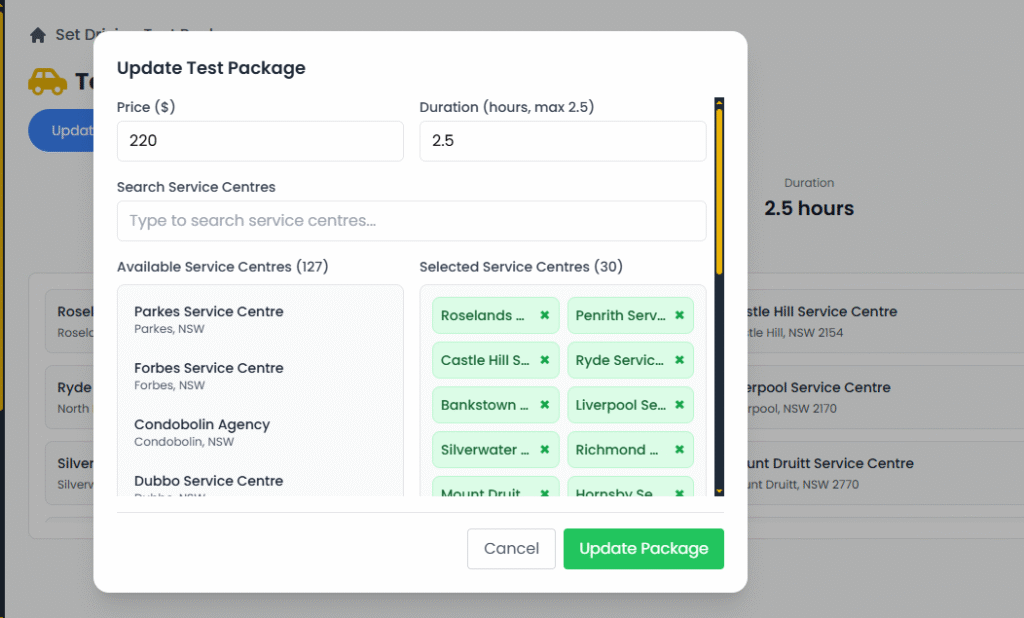
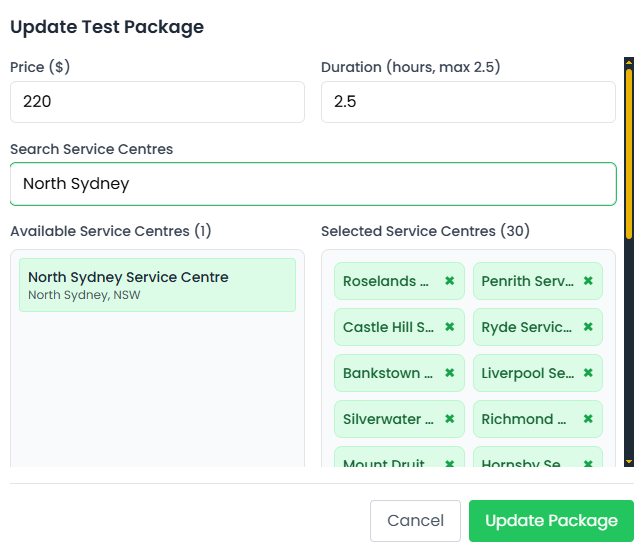
Now update your Test Package
Step 4:
Enter your package details — for example, set your price at $150, choose the duration and hours for the test.
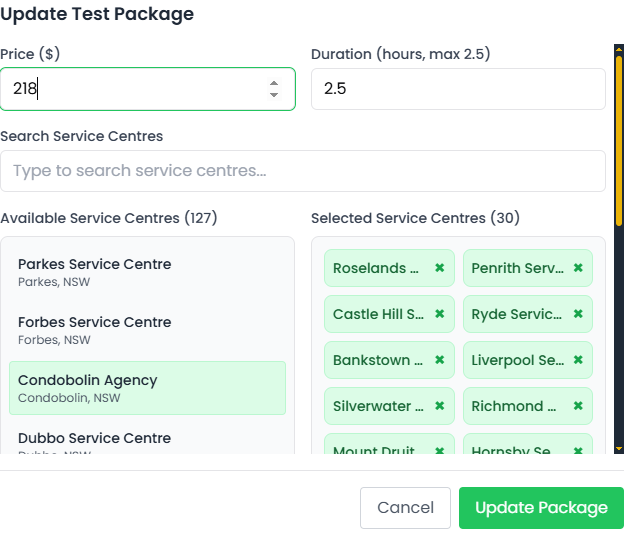
Now Click Search Services Centers where you go like “North Sydney”
Step 5:
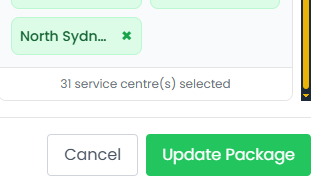
Search and select your teaching areas or suburbs where you want to offer the test package.
Step 6:
After filling in all the details, click “Save Changes.”
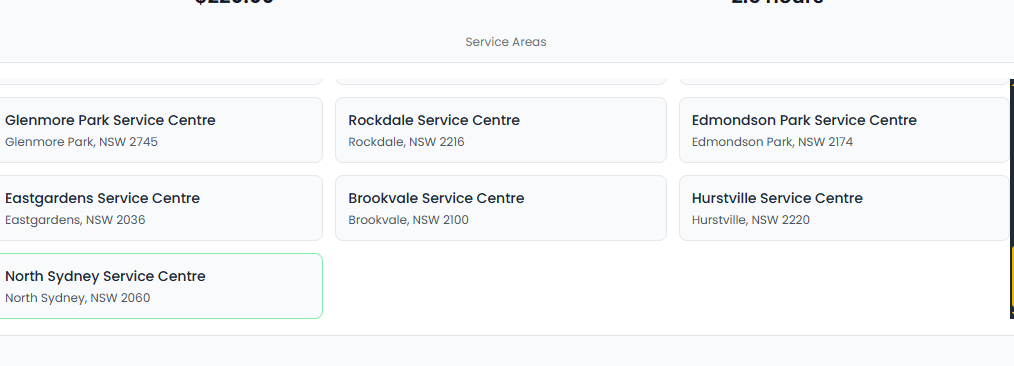
Here is my “North Sydney Services Centre” updated
Once saved, your Test Package will be added successfully and visible to learners on your profile.
Tip: Setting clear pricing and duration helps learners understand what to expect and makes your packages more attractive.