This will be useful if:
- You are a learner using the Licence Help booking platform
You are trying to:
- Check your available booking credits
Overview
You can access and review your booking credits anytime. All credits remain valid for 24 months from the date of purchase.
How to check your wallet balance
Step 1.
Log in to your learner account
Step 2. (optional)
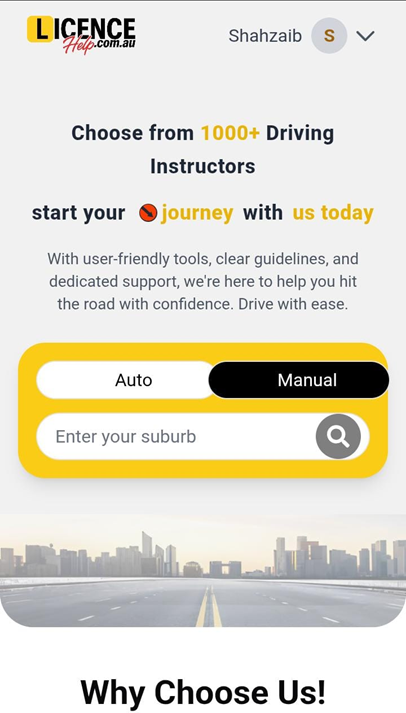
On your Dashboard, your wallet balance summary is displayed in two locations.
Step 3.
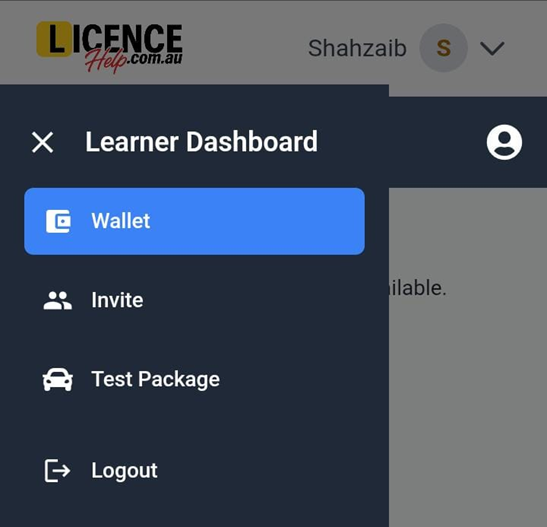
From your Dashboard, go to the top right corner of your screen and click on the menu icon.
Step 4.
Choose Wallet from the menu options.
Step 5.
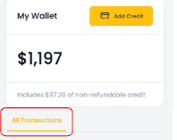
Within your Wallet, you can check your cash balance. If you qualify for a refund, this is the amount that will be refunded.
Step 6.
You can also view any credits that are non-refundable.
Step 7.
In the All Transactions section, you can view your complete wallet history, including all purchases and bookings.