This will be useful if:
You are a learner using the Licence Help booking platform
You are trying to:
Cancel a booking with your driving instructor at least 24 hours in advance
Overview
The Licence Help platform is designed to give you maximum flexibility with your lesson schedule. We understand that plans can change unexpectedly.
As a Licence Help learner, you can cancel your booking online up to 24 hours before the lesson start time. Once cancelled, the credit will be instantly returned to your Licence Help wallet, and all credits remain valid for 24 months.
If you need to cancel within 24 hours of your scheduled lesson, you can still do so online, but it will be processed as a late cancellation.
How to cancel a booking with your instructor 24 hours beforehand
Step 1.
Log in to your learner accoun
Step 2.
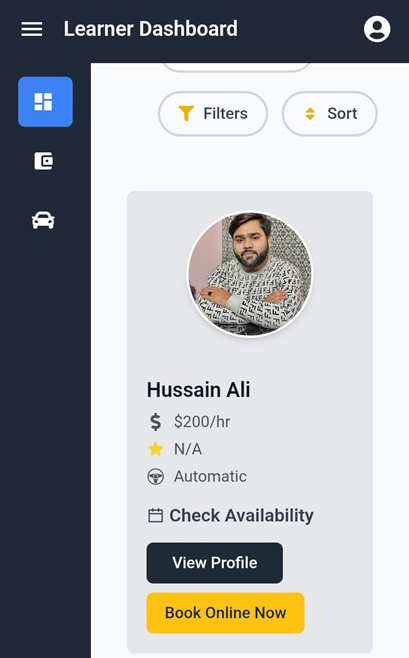
On your Dashboard, scroll down to Bookings
Step 3.
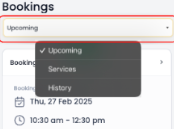
Select Upcoming from the dropdown.
Step 4.
Locate the booking and click the Booking #
Step 5.
Click Modify Booking.
Step 6.
Two options will appear, click Cancel (Reschedule Later).
Step 7.
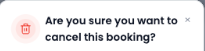
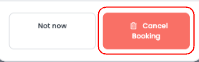
A confirmation box will appear, click Cancel Booking to cancel the booking.
Step 8.
An on screen confirmation will appear and you will be taken back to your Dashboard.